Assign each material a different job.
Teacher shows one slow example.
TEACHER QUICK PLAN · 15–25 MINUTES
Layer and Connect: Grade 2
Focus: Combine two materials so each one adds a different visual job.
Start: Make a 60-second test in the first box. Do not erase it—use it as evidence.
 SUCCESSFUL SKILL IN A PROJECT
SHOW STUDENTS BEFORE THEY BEGIN
See where this skill can go
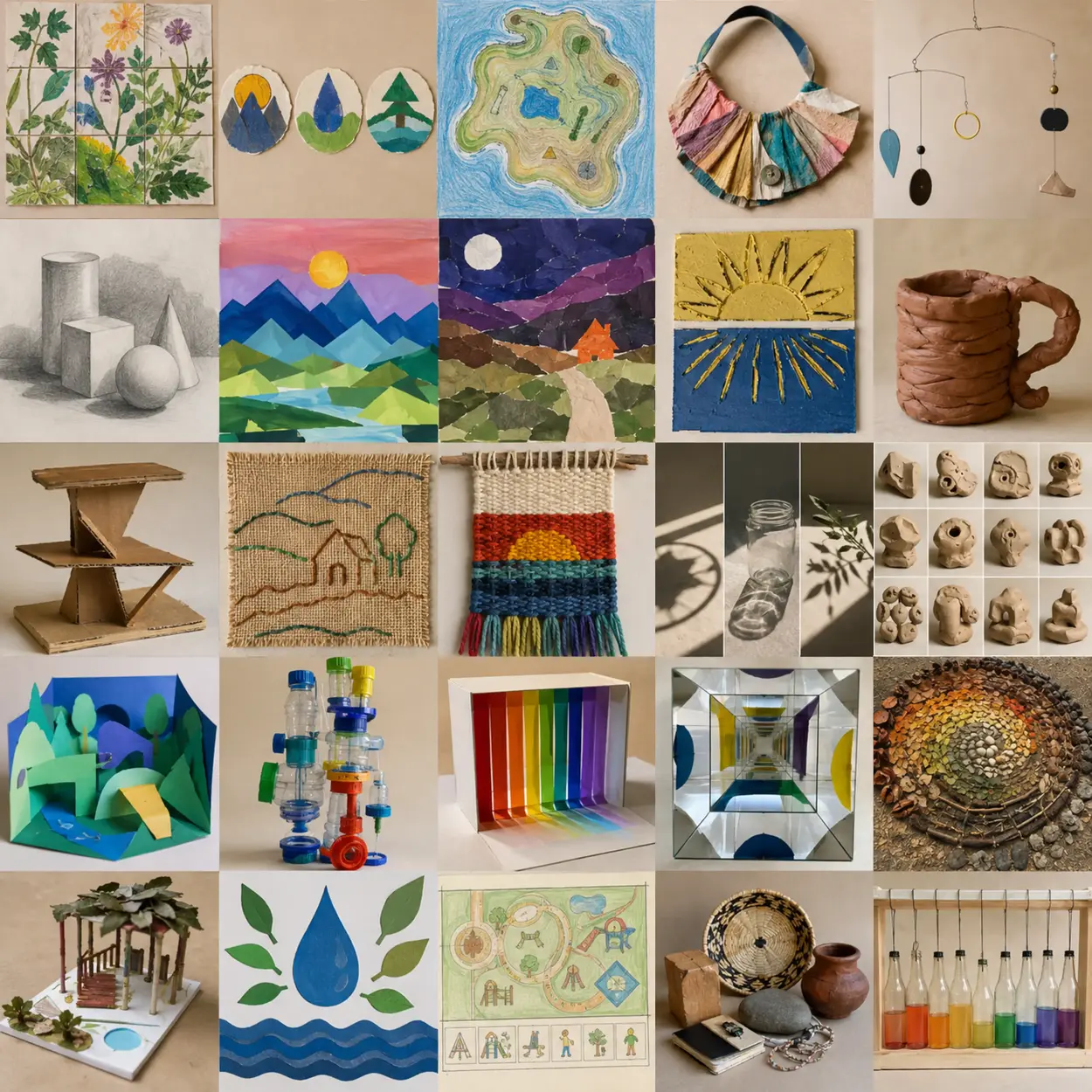
This Grade 2 example uses mixed media inside a finished project. Notice the technique, then cover the image so students invent their own subject.
OPEN THE MATCHING PROJECT: Painted-Paper Narrative Collage ↗VISUAL HOW-TO · READ LEFT TO RIGHT
Watch → Test → Compare → Improve
Change material job: line / color / texture.
Keep every first attempt.Look for each material adds something different.
Circle or point to evidence.Repeat the strongest choice and change one detail on purpose.
Explain what became clearer.THE FINISHED SKILL TARGET
What students should be able to do
Combine two materials so each one adds a different visual job. Students should show at least two tests and one visibly improved attempt—not a finished artwork.
Materials
- paper or cardboard base
- two contrasting art materials
- joining supplies
- drawing tools
Demonstrate these actions
- Assign each material a different job.
- Test which material must go down first.
- Layer without covering every earlier choice.
20-minute teaching sequence
- 0–3 min · Name the skill — Tell students: “Today we are practicing mixed media, not making a finished masterpiece.”
- 3–7 min · Teacher demonstration — Show the three actions listed below. Keep the sample unfinished so students focus on technique rather than copying.
- 7–10 min · First test — Students complete Test 1 while changing one variable only.
- 10–14 min · Compare — Students point to, circle, or label what worked and decide what to change.
- 14–20 min · Improved try — Students repeat the useful choice in the larger box and intentionally improve it.
- Final 3 min · Check + reflect — Use the checklist, complete the sentence, and clean materials.
Useful teacher language
- “Show me the part where you practiced mixed media.”
- “What did you change between your first and second attempt?”
- “What evidence tells you that the improved try is more successful?”
Common problems and quick fixes
- Materials feel random — ask what job each material performs.
- Weak attachment — test glue, tape, tabs, or stitching on scraps.
SUPPORT MATERIAL · PROJECT OR DISPLAY THIS CHART
Mixed Media understanding chart
CONTROLTRY THISLOOK FOR
Material jobline / color / textureeach material adds something different
Orderfirst / middle / toplayers remain visible
Connectionglue / tape / stitchmaterials stay attached
WORDS TO USEmediumlayertexturecontrast
MATCHED EDUCATIONAL EXAMPLE
See the skill in a trusted collection
Preview this teacher resource, select one age-appropriate example, and ask students to identify the same controls shown in the chart.
Move from practice to a project
After this practice, students are ready to use the strongest mixed media technique in a full lesson while making their own subject and composition choices.
PRINTABLE STUDENT PAGEPrint only the worksheet section below.
STUDENT SKILL-BUILDING WORKSHEET
Layer and Connect: Grade 2
Follow the Studio Guide
- Set up the worksheet and materials for mixed media practice.
- Combine two materials so each one adds a different visual job.
- Compare two methods, choose one, and explain why it worked better.
- Use the strongest test in the final practice box, but change one detail on purpose.
- Clean the workspace, then complete the reflection sentence.
Success check
Reflection
The change that helped most was… because…
Use browser Print / Save as PDF