Build five values by changing pressure.
Teacher shows one slow example.
TEACHER QUICK PLAN · 15–25 MINUTES
Charcoal Light and Dark: Grade 5
Focus: Build a range from bright paper to deep dark using pressure, blending, and erasing.
Start: Make a 60-second test in the first box. Do not erase it—use it as evidence.
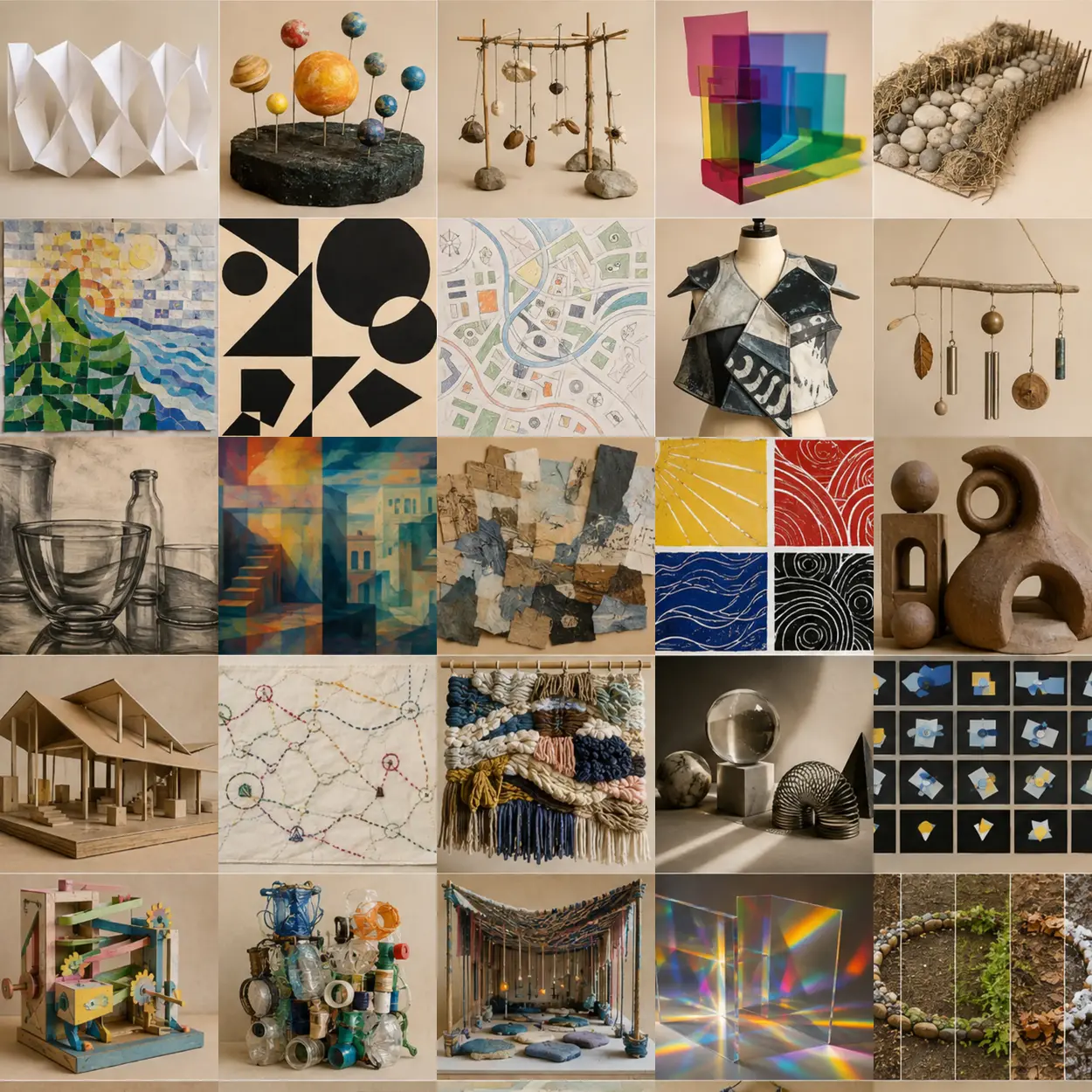 SUCCESSFUL SKILL IN A PROJECT
SHOW STUDENTS BEFORE THEY BEGIN
See where this skill can go
This Grade 5 example uses charcoal inside a finished project. Notice the technique, then cover the image so students invent their own subject.
OPEN THE MATCHING PROJECT: Charcoal Drawing Exploring Reflective Transparency ↗VISUAL HOW-TO · READ LEFT TO RIGHT
Watch → Test → Compare → Improve
Change pressure: light / medium / heavy.
Keep every first attempt.Look for at least five values.
Circle or point to evidence.Repeat the strongest choice and change one detail on purpose.
Explain what became clearer.THE FINISHED SKILL TARGET
What students should be able to do
Build a range from bright paper to deep dark using pressure, blending, and erasing. Students should show at least two tests and one visibly improved attempt—not a finished artwork.
Materials
- vine or compressed charcoal
- drawing paper
- kneaded eraser
- blending tissue
- table protection
Demonstrate these actions
- Build five values by changing pressure.
- Blend one area while keeping another mark crisp.
- Use the eraser as a drawing tool to pull light from dark.
20-minute teaching sequence
- 0–3 min · Name the skill — Tell students: “Today we are practicing charcoal, not making a finished masterpiece.”
- 3–7 min · Teacher demonstration — Show the three actions listed below. Keep the sample unfinished so students focus on technique rather than copying.
- 7–10 min · First test — Students complete Test 1 while changing one variable only.
- 10–14 min · Compare — Students point to, circle, or label what worked and decide what to change.
- 14–20 min · Improved try — Students repeat the useful choice in the larger box and intentionally improve it.
- Final 3 min · Check + reflect — Use the checklist, complete the sentence, and clean materials.
Useful teacher language
- “Show me the part where you practiced charcoal.”
- “What did you change between your first and second attempt?”
- “What evidence tells you that the improved try is more successful?”
Common problems and quick fixes
- Everything becomes gray — preserve clean paper and add the darkest dark last.
- Work smears — move from top to bottom and rest the hand on scrap paper.
SUPPORT MATERIAL · PROJECT OR DISPLAY THIS CHART
Charcoal understanding chart
CONTROLTRY THISLOOK FOR
Pressurelight / medium / heavyat least five values
Edgecrisp / blendedform or focus changes
Eraserlift / draw / softenlight created from a dark field
WORDS TO USEvalueblendhighlightcompressed charcoal
MATCHED EDUCATIONAL EXAMPLE
See the skill in a trusted collection
Preview this teacher resource, select one age-appropriate example, and ask students to identify the same controls shown in the chart.
Move from practice to a project
After this practice, students are ready to use the strongest charcoal technique in a full lesson while making their own subject and composition choices.
PRINTABLE STUDENT PAGEPrint only the worksheet section below.
STUDENT SKILL-BUILDING WORKSHEET
Charcoal Light and Dark: Grade 5
Follow the Studio Guide
- Set up the worksheet and materials for charcoal practice.
- Build a range from bright paper to deep dark using pressure, blending, and erasing.
- Develop a personal technique through testing, analysis, and intentional revision.
- Use the strongest test in the final practice box, but change one detail on purpose.
- Clean the workspace, then complete the reflection sentence.
Success check
Reflection
My evidence shows that this technique works best when…
Use browser Print / Save as PDF