MODERN ART LESSONS · STUDENT WORKSHEET
Conceptual Photo Triptych Of Traces And Absence
Make conceptual photo triptych of traces and absence. Use the example for ideas, but choose your own subject, colors, arrangement, and details.
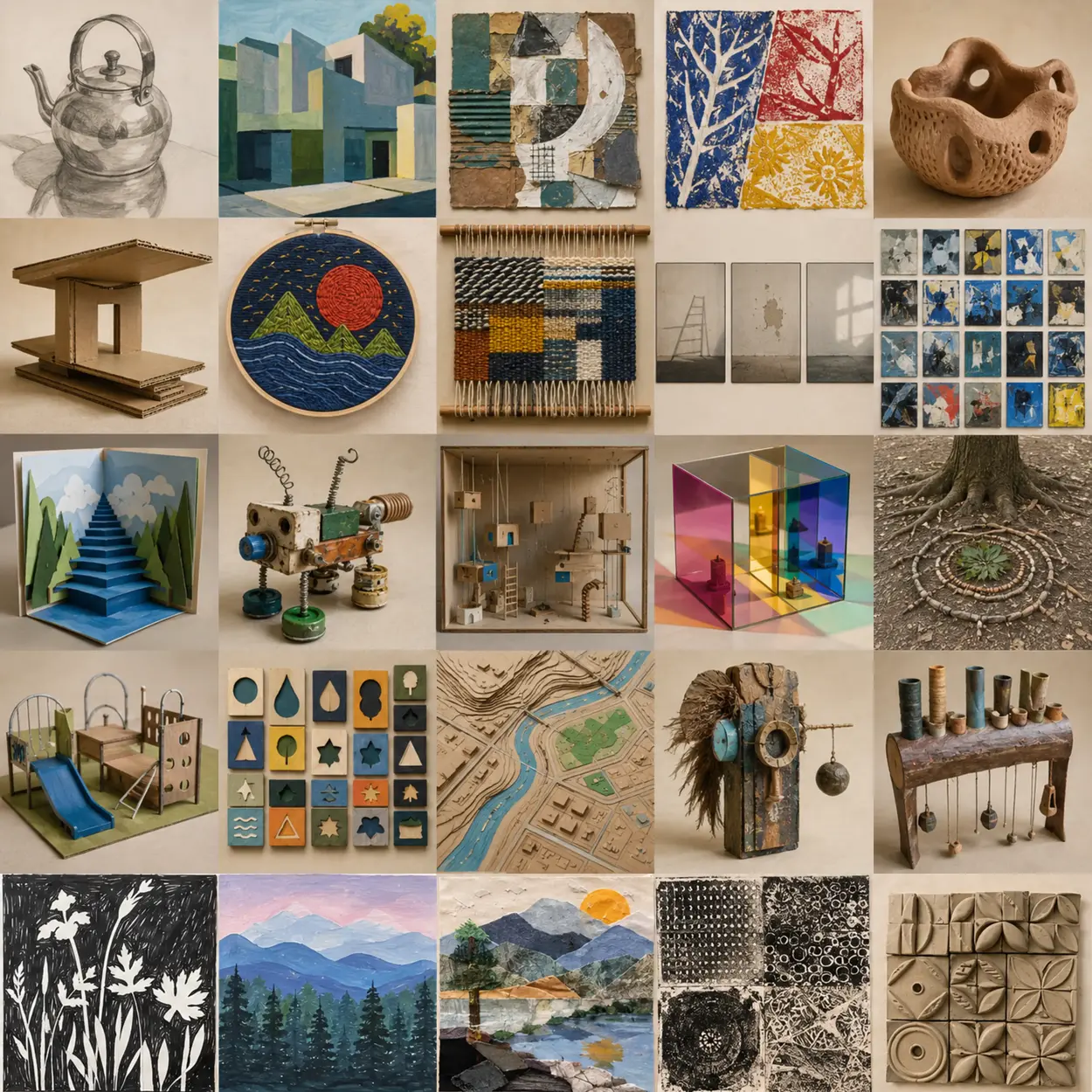
Study the example for possibilities, then close or cover it. Your work should make different choices.
What to do
- Make this: conceptual photo triptych of traces and absence.
- Your core skill today: Plan and revise a sequence after a partner explains what they see.
- Make a quick sketch. Label the main shapes, colors, parts, and where they will go.
- Plan the important frames or views. Create the first version, review it, then change the crop, order, timing, color, or details.
- Stop halfway. Compare the work to the project goal—not to another student’s art. Fix, add, remove, move, or strengthen one part.
- Finish the important details. Make sure every loose part is attached and the main idea is easy to notice.
- Share the work. Explain one choice and one change you made. Photograph or display it, then clean the workspace.
My project: I am making conceptual photo triptych of traces and absence. Draw or write your idea.
My choices: Circle or write the colors and materials you will use.
My plan: Draw the big shapes or main parts and show where they will go.
My first step: What will you make first?
Halfway check: What part needs to be added, moved, fixed, or made stronger?
Finish check: Are the main idea, important details, and connections complete?
Share: One choice I made was… One change I made was…
Skill evidence: Plan and revise a sequence after a partner explains what they see. Show your test and explain what you chose; speaking or dictation is welcome.
Use browser Print / Save as PDF